01
คำสั่งซื้อจัดส่งจากที่ไหน และใช้เวลาจัดส่งนานเท่าใด?
คำสั่งซื้อ iKAGOO ส่วนใหญ่จัดส่งจากศูนย์ปฏิบัติการของเราในประเทศจีนหลังจากตรวจสอบการตั้งค่าสินค้าและข้อมูลรถแล้ว.
การดำเนินการตามคำสั่งซื้อตามปกติใช้เวลาประมาณ 1–3 วันทำการ. เวลาจัดส่งโดยประมาณหลังการจัดส่งโดยทั่วไปคือ:
- สหรัฐอเมริกาและแคนาดา: ประมาณ 5–9 วันทำการ
- สหภาพยุโรป: ประมาณ 7–15 วันทำการ
- สหราชอาณาจักรและออสเตรเลีย: ประมาณ 7–10 วันทำการ
- ภูมิภาคอื่นที่รองรับ: ประมาณ 7–20 วันทำการ
การผ่านพิธีการศุลกากร วันหยุด สภาพอากาศ ความล่าช้าของผู้ขนส่ง และการจัดส่งในพื้นที่ห่างไกลอาจส่งผลต่อเวลาประมาณการเหล่านี้.
02
อากรนำเข้าและภาษีรวมอยู่ด้วยหรือไม่
เลือกการจัดส่งแบบ DDP เมื่อชำระเงิน: iKAGOO ครอบคลุมอากรนำเข้าและภาษีที่เกี่ยวข้องซึ่งรวมอยู่ในบริการ DDP ที่เลือก ไม่มีการชำระค่าใช้จ่ายที่ครอบคลุมเหล่านั้นเพิ่มเติมเมื่อรับสินค้า.
การจัดส่งแบบมาตรฐาน: อากรนำเข้า VAT และค่าธรรมเนียมศุลกากรไม่รวมอยู่ด้วยและอาจเรียกเก็บแยกต่างหาก.
ปลายทาง DDP — ขึ้นอยู่กับความพร้อมให้บริการเมื่อชำระเงิน
สหรัฐอเมริกา: 48 รัฐที่ติดต่อกัน.
สหภาพยุโรป (27): ออสเตรีย เบลเยียม บัลแกเรีย โครเอเชีย ไซปรัส เช็กเกีย เดนมาร์ก เอสโตเนีย ฟินแลนด์ ฝรั่งเศส เยอรมนี กรีซ ฮังการี ไอร์แลนด์ อิตาลี ลัตเวีย ลิทัวเนีย ลักเซมเบิร์ก มอลตา เนเธอร์แลนด์ โปแลนด์ โปรตุเกส โรมาเนีย สโลวาเกีย สโลวีเนีย สเปน สวีเดน.
จุดหมายปลายทางเพิ่มเติม (14): แคนาดา สหราชอาณาจักร ออสเตรเลีย สหรัฐอาหรับเอมิเรตส์ สิงคโปร์ มาเลเซีย ไทย เวียดนาม อินโดนีเซีย ฟิลิปปินส์ บรูไน เมียนมา กัมพูชา ลาว.
วิธีการจัดส่งและค่าใช้จ่ายที่มีให้บริการจะแสดงหลังจากคุณกรอกที่อยู่จัดส่ง อาจมีค่าบริการสำหรับพื้นที่ห่างไกล.
คู่มือการจัดส่งแบบ DDP →
03
ฉันสามารถขอจัดส่งแบบด่วนได้หรือไม่ และจะติดตามพัสดุได้อย่างไร
อาจมีบริการจัดส่งแบบด่วนหรือเร่งด่วนสำหรับสินค้าและจุดหมายปลายทางที่เลือก ความพร้อมใช้งาน ผู้ให้บริการขนส่ง และค่าใช้จ่ายเพิ่มเติม (ถ้ามี) จะได้รับการยืนยันก่อนการจัดส่ง.
ขึ้นอยู่กับเส้นทางและประเภทสินค้า iKAGOO อาจใช้ DHL, FedEx, UPS, EMS, 4PX หรือผู้ให้บริการโลจิสติกส์ที่มีการติดตามอื่นๆ.
หลังจากจัดส่งแล้ว หมายเลขติดตามหรือลิงก์ติดตามมักจะถูกส่งไปยังที่อยู่อีเมลที่ใช้ในการสั่งซื้อ การอัปเดตการติดตามอาจใช้เวลาหลายวันทำการจึงจะปรากฏระหว่างการโอนย้ายของผู้ให้บริการขนส่งระหว่างประเทศ.
04
นโยบายการคืนสินค้าและการคืนเงินคืออะไร?
สิทธิ์ในการคืนสินค้าขึ้นอยู่กับเหตุผลในการคืน สภาพสินค้า สถานะการติดตั้ง หลักฐานประกอบ และการอนุมัติการคืนสินค้าโดย iKAGOO.
สำหรับการคืนสินค้าที่ไม่ชำรุดและได้รับการอนุมัติ โดยปกติสินค้าต้องอยู่ในสภาพที่ยังไม่ได้ใช้งาน ยังไม่ได้ติดตั้ง สมบูรณ์ และพร้อมสำหรับการขายต่อ โดยทั่วไปลูกค้าจะเป็นผู้รับผิดชอบค่าจัดส่งคืนสินค้าที่ได้รับการอนุมัติ.
ค่าจัดส่งเดิม, DDP, VAT, ภาษีศุลกากร และค่าใช้จ่ายด้านโลจิสติกส์อื่นๆ โดยทั่วไปจะไม่สามารถขอคืนได้ เว้นแต่กฎหมายกำหนดหรือ iKAGOO ยืนยันเป็นอย่างอื่น.
อย่าส่งสินค้าคืนก่อนที่จะได้รับที่อยู่สำหรับคืนสินค้าและคำแนะนำในการคืนสินค้าที่ได้รับการอนุมัติจาก iKAGOO.
05
จะเกิดอะไรขึ้นถ้ายังไม่สามารถติดตั้งสินค้าได้หลังจากการตรวจสอบความเข้ากันได้
อาจมีการคุ้มครองเพิ่มเติมเมื่อ iKAGOO ได้ตรวจสอบความเข้ากันได้ของรถ ลูกค้าได้ให้ข้อมูลรถที่ถูกต้อง และได้ดำเนินการติดตั้งและขั้นตอนการวินิจฉัยที่สมเหตุสมผลเสร็จสิ้นแล้ว.
หาก iKAGOO ยืนยันว่าไม่มีวิธีแก้ปัญหาทางเทคนิคที่สมเหตุสมผล และปัญหาถูกรายงานภายใน 7 วันปฏิทินนับจากวันที่ส่งมอบ, ลูกค้าอาจมีสิทธิ์ได้รับเงินคืนสำหรับราคาสินค้าโดยไม่ต้องส่งคืนสินค้า.
ค่าจัดส่งเดิม, DDP, VAT, ภาษีศุลกากร และค่าใช้จ่ายของบุคคลที่สามอื่นๆ ไม่รวมอยู่ในการคืนเงินราคาสินค้านี้.
06
มีการรับประกันแบบใดบ้าง และการเปิดผลิตภัณฑ์จะทำให้การรับประกันสิ้นสุดลงหรือไม่
ผลิตภัณฑ์ที่เข้าเกณฑ์รวมถึง รับประกันฮาร์ดแวร์แบบจำกัด 12 เดือน ครอบคลุมข้อบกพร่องในการผลิตที่ได้รับการยืนยันและความล้มเหลวของฮาร์ดแวร์ที่มีสิทธิ์ภายใต้การใช้งานปกติ.
ขึ้นอยู่กับปัญหาที่ได้รับการยืนยัน การสนับสนุนอาจรวมถึงการวินิจฉัยระยะไกล ความช่วยเหลือในการกำหนดค่า อะไหล่ทดแทน การซ่อมแซม การเปลี่ยนสินค้า การคืนเงินบางส่วน หรือการคืนเงินเต็มจำนวน.
การตรวจสอบหรือการตรวจสอบโดยบุคคลที่สามไม่ได้ยกเลิกการรับประกันทั้งหมดโดยอัตโนมัติ อย่างไรก็ตาม ความเสียหายที่เกิดจากการซ่อมแซมโดยไม่ได้รับอนุญาต การดัดแปลงที่ไม่ถูกต้อง วงจรที่เสียหาย การประกอบกลับที่ไม่เหมาะสม การเดินสายไฟที่ไม่ถูกต้อง การกระแทก น้ำเข้า หรือการใช้งานผิดวิธี โดยปกติจะไม่ได้รับความคุ้มครอง.
ติดต่อ iKAGOO ก่อนที่จะถอดประกอบ ดัดแปลง หรือซ่อมแซมสินค้า เพื่อให้สามารถให้ขั้นตอนการวินิจฉัยที่ถูกต้องได้.
07
หากคำสั่งซื้อของฉันมาถึงในสภาพเสียหายหรือมีชิ้นส่วนที่ขาดหายไป?
ติดต่อ iKAGOO ภายใน 7 วันปฏิทินนับจากวันที่ส่งมอบ และเก็บบรรจุภัณฑ์เดิม ฉลากจัดส่ง อุปกรณ์เสริม และสินค้าไว้.
กรุณาให้ภาพถ่ายหรือวิดีโอที่ชัดเจนแสดง:
- กล่องบรรจุภัณฑ์ภายนอกและฉลากการจัดส่ง
- ความเสียหายของบรรจุภัณฑ์ที่มองเห็นได้
- สินค้าและพื้นที่ที่ได้รับผลกระทบ
- ได้รับอุปกรณ์เสริมและสายไฟทั้งหมดครบถ้วน
หลังจากตรวจสอบแล้ว iKAGOO อาจจัดส่งชิ้นส่วนที่ขาดหายไป เปลี่ยนสินค้า ซ่อมแซม คืนเงิน หรือเสนอวิธีแก้ปัญหาที่สมเหตุสมผลอื่นๆ.
08
หากฉันสั่งรุ่นผิดหรือต้องการเปลี่ยนแปลงคำสั่งซื้อต้องทำอย่างไร?
ติดต่อ iKAGOO โดยเร็วที่สุดและก่อนการติดตั้ง สำหรับการเปลี่ยนแปลงที่อยู่ การกำหนดค่ารถ หรือสินค้า โปรดติดต่อเราภายใน 12 ชั่วโมงหลังจากสั่งซื้อ.
การเปลี่ยนหรือคืนสินค้าอาจได้รับการอนุมัติเมื่อสินค้าที่เลือกไม่ถูกต้องยังไม่ได้ใช้งาน ยังไม่ได้ติดตั้ง สมบูรณ์ และพร้อมสำหรับการขายต่อ โดยปกติลูกค้าจะเป็นผู้รับผิดชอบค่าจัดส่งที่เกี่ยวข้องและส่วนต่างราคา.
สินค้าที่เฉพาะเจาะจงสำหรับรถบางรุ่นอาจเข้าสู่กระบวนการจัดหา การเขียนโปรแกรม การทดสอบ หรือการกำหนดค่าไม่นานหลังจากชำระเงิน เมื่อการเตรียมการหรือการจัดส่งเริ่มขึ้นแล้ว การยกเลิกอาจไม่สามารถทำได้อีกต่อไป หรืออาจมีการหักค่าใช้จ่ายที่เกิดขึ้นแล้วอย่างสมเหตุสมผล.
09
ในแพ็กเกจมีอะไรบ้าง?
เนื้อหาของบรรจุภัณฑ์แตกต่างกันไปตามสินค้า รุ่นรถ ระบบจากโรงงาน และการกำหนดค่าที่เลือก.
ขึ้นอยู่กับสินค้า บรรจุภัณฑ์อาจรวมถึงอุปกรณ์หลัก ชุดสายไฟเฉพาะรถ อินเทอร์เฟซ CANBUS อะแดปเตอร์ สาย USB เสาอากาศ ไมโครโฟน ฮาร์ดแวร์สำหรับติดตั้ง หรืออุปกรณ์เสริมอื่นๆ ที่จำเป็นสำหรับการติดตั้ง.
โปรดดูรูปถ่ายสินค้า ข้อมูลจำเพาะ และการยืนยันคำสั่งซื้อที่เกี่ยวข้องสำหรับเนื้อหาที่แน่นอนของคำสั่งซื้อของคุณ.
10
ฉันจะติดต่อ iKAGOO เพื่อขอรับการสนับสนุนด้านเทคนิคหรือหลังการขายได้อย่างไร
คุณสามารถติดต่อ iKAGOO ผ่านแบบฟอร์มติดต่อบนเว็บไซต์ WhatsApp หรือช่องทางการสนับสนุนอื่นๆ ที่มีให้ โดยปกติเวลาตอบกลับจะอยู่ภายใน 24 ชั่วโมงทำการ.
เพื่อการวินิจฉัยทางเทคนิคที่รวดเร็วขึ้น โปรดระบุหมายเลขคำสั่งซื้อ รุ่นรถและปี รูปถ่ายระบบจากโรงงานที่เกี่ยวข้อง รูปถ่ายสินค้า และวิดีโอที่ชัดเจนแสดงปัญหาที่เกิดขึ้น.
ติดต่อฝ่ายสนับสนุน iKAGOO →
11
การชำระเงินปลอดภัยหรือไม่ และมีตัวเลือกการผ่อนชำระหรือไม่
การชำระเงินดำเนินการผ่านวิธีการชำระเงินที่ปลอดภัยซึ่งแสดงในระหว่างขั้นตอนการชำระเงิน.
ตัวเลือกบัตร กระเป๋าเงิน และการผ่อนชำระที่มีอยู่อาจแตกต่างกันไปตามประเทศ สกุลเงิน ผู้ให้บริการชำระเงิน และคุณสมบัติของผู้ใช้.
บริการผ่อนชำระ รวมถึงตัวเลือกที่เสนอโดย PayPal หรือผู้ให้บริการชำระเงินรายอื่น ยังคงขึ้นอยู่กับความพร้อมให้บริการในแต่ละภูมิภาคและข้อกำหนดการอนุมัติของผู้ให้บริการรายนั้น.
ส่วนนี้เป็นคู่มือลูกค้าฉบับย่อ หน้าข้อกำหนดที่เผยแพร่ฉบับสมบูรณ์ การยืนยันคำสั่งซื้อ และกฎหมายคุ้มครองผู้บริโภคที่บังคับใช้จะมีผลเหนือกว่าหากข้อความใดแตกต่างกัน.


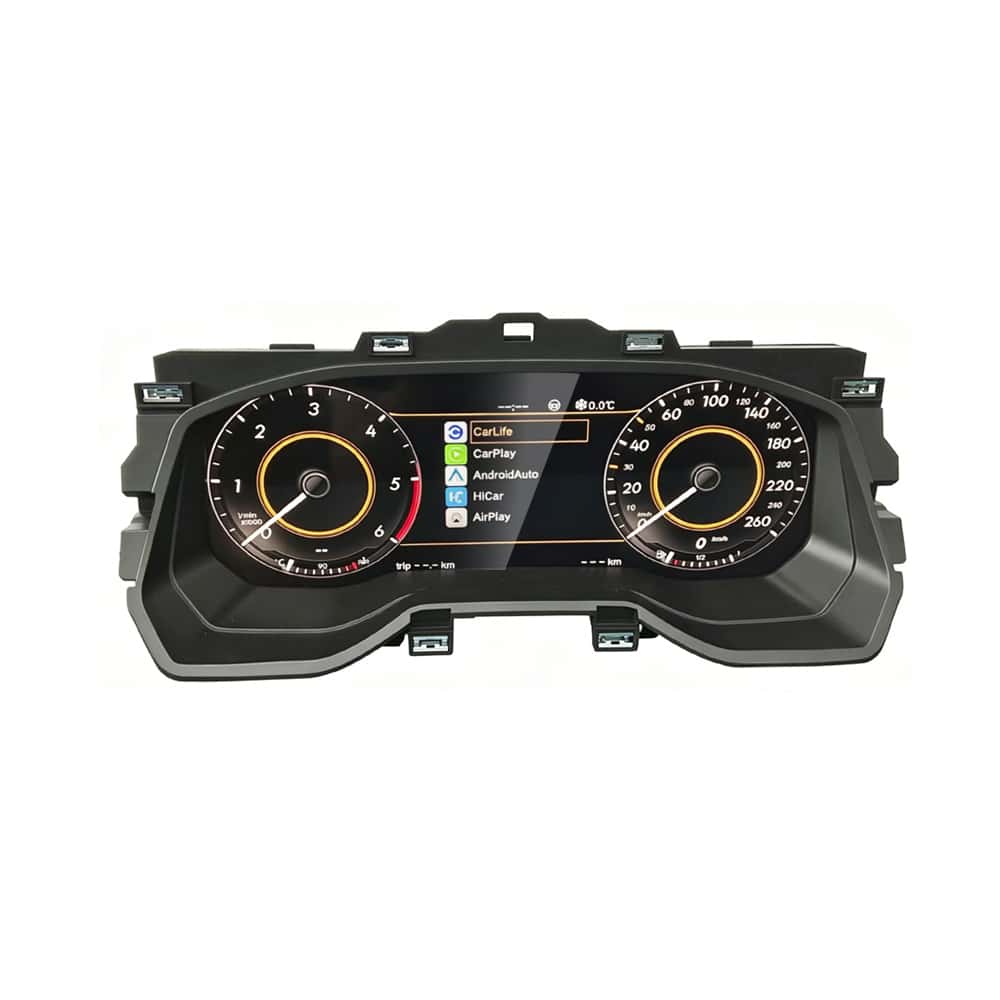
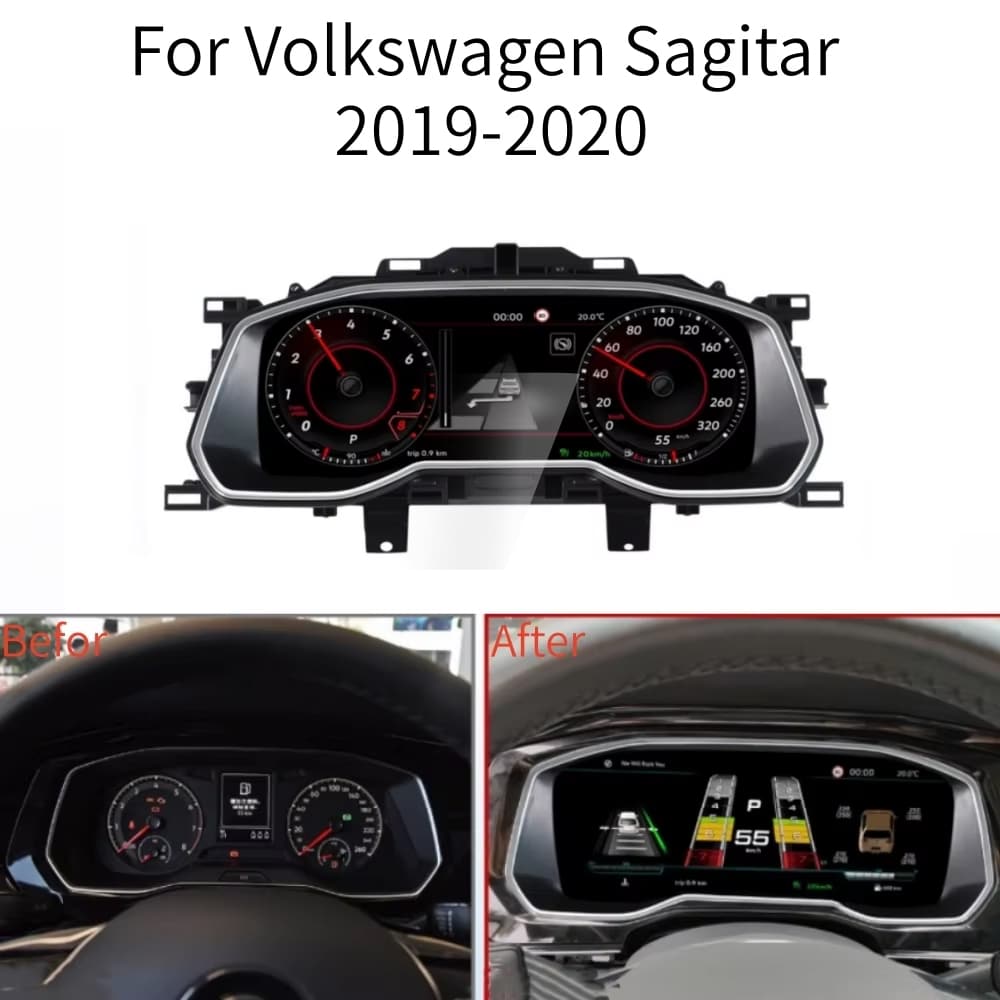
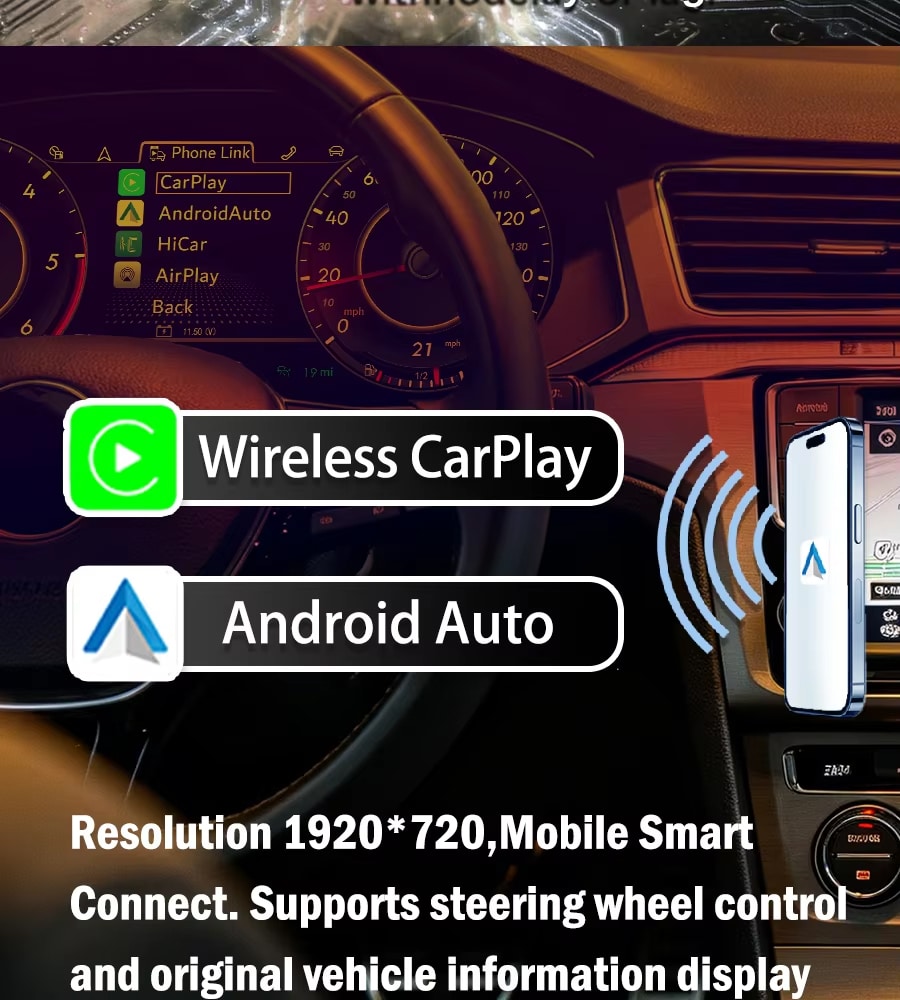

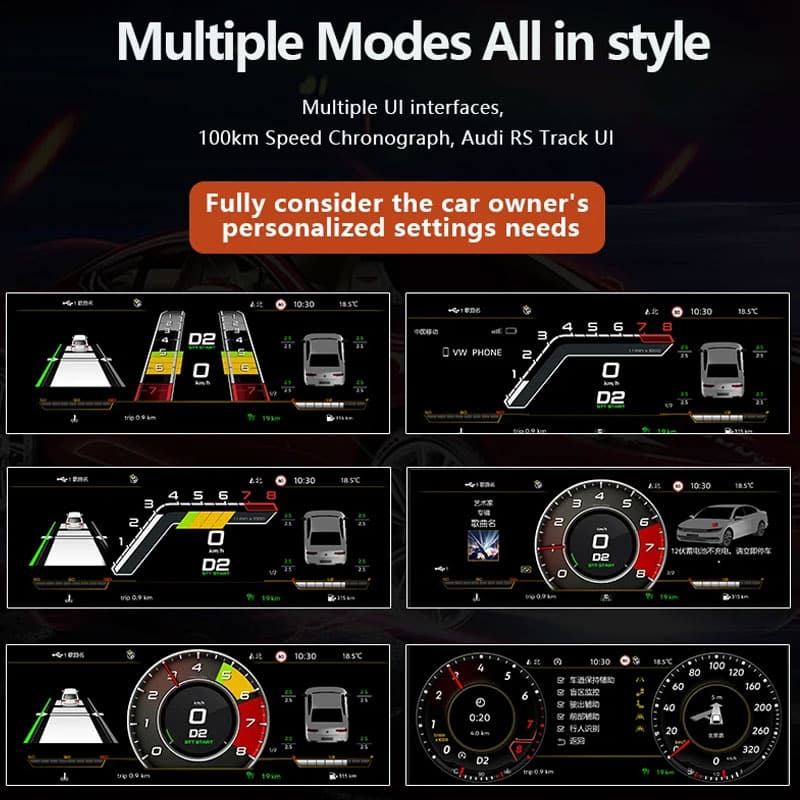
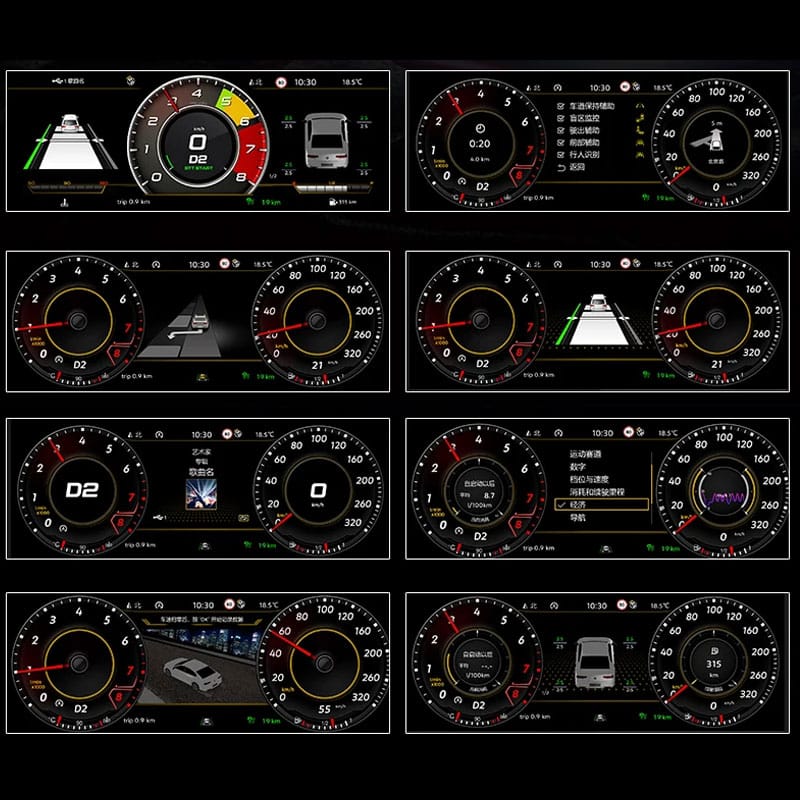








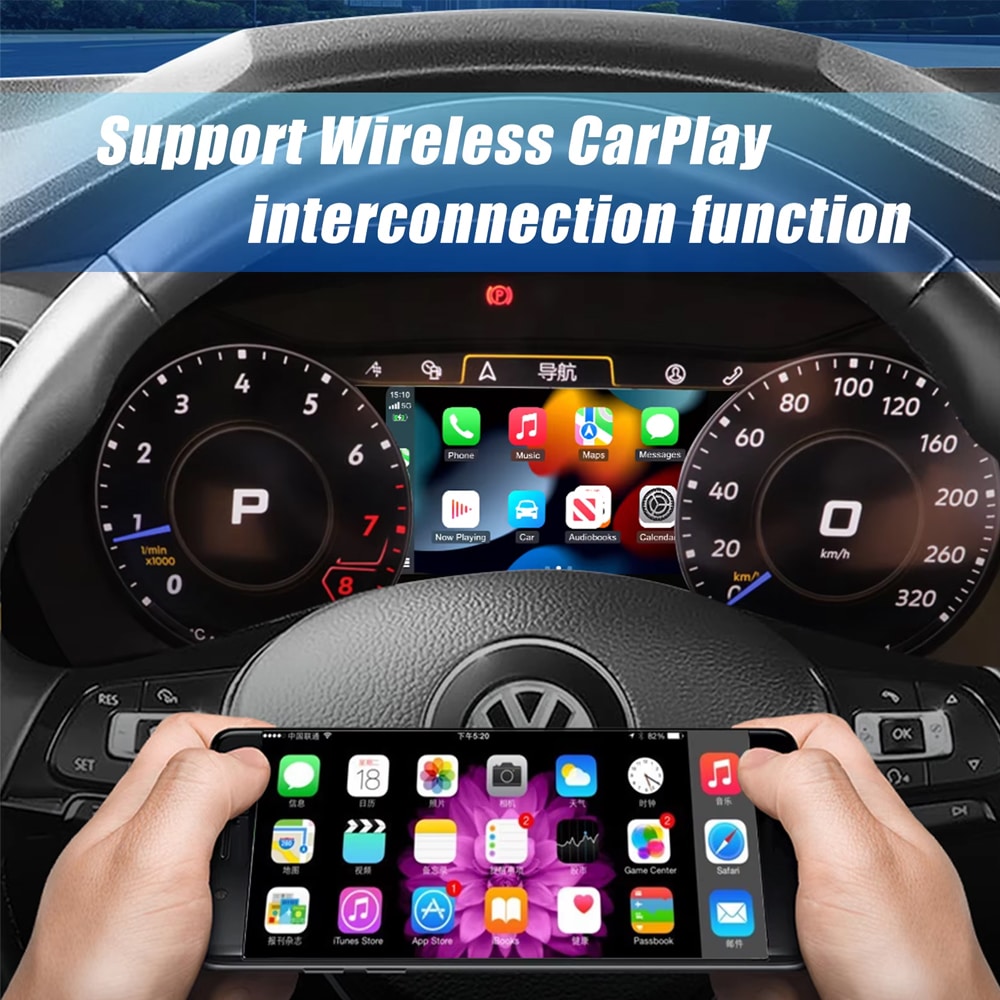
 ระบบ CarPlay แบบไร้สาย
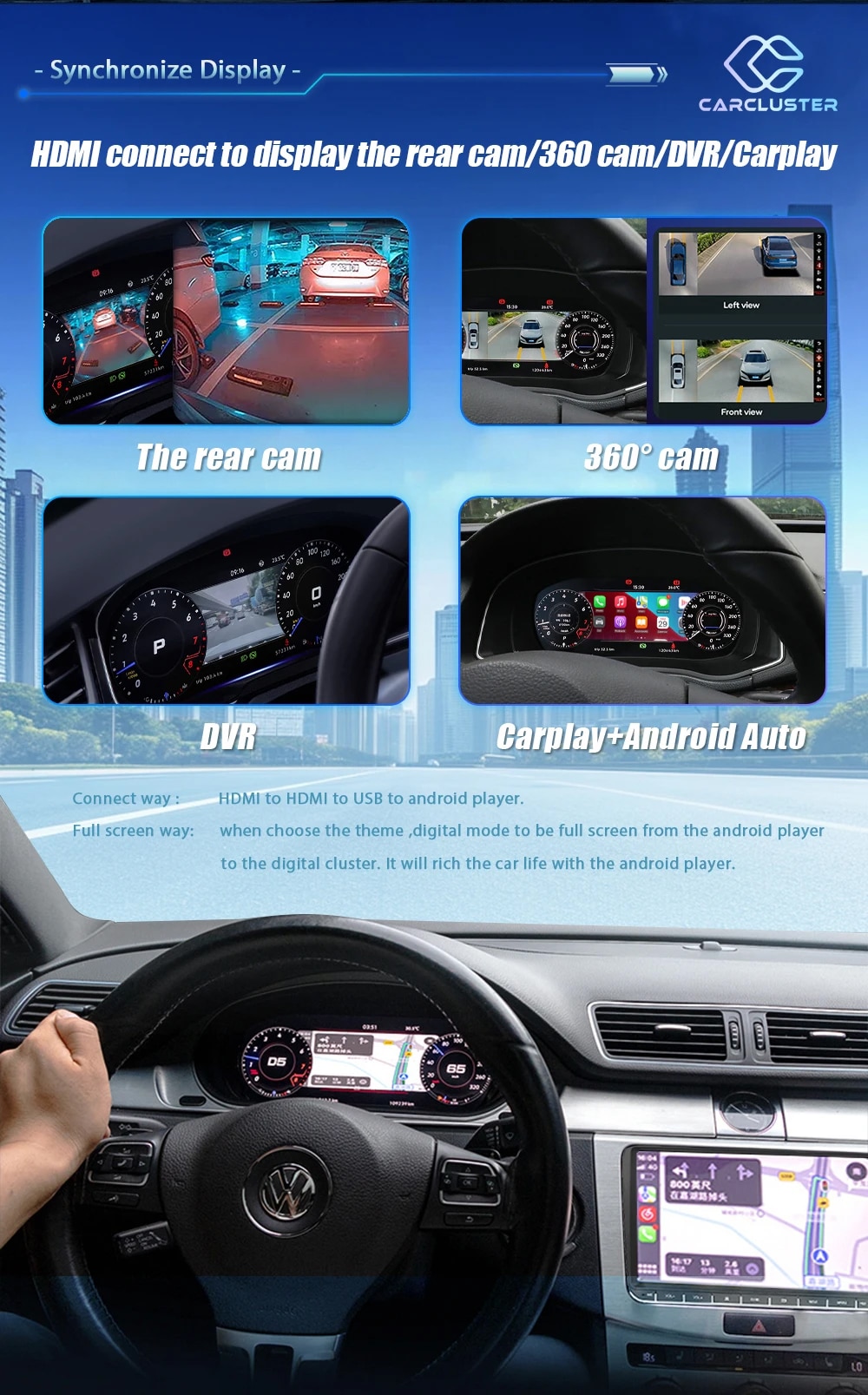
 แอนดรอยด์ ออโต้
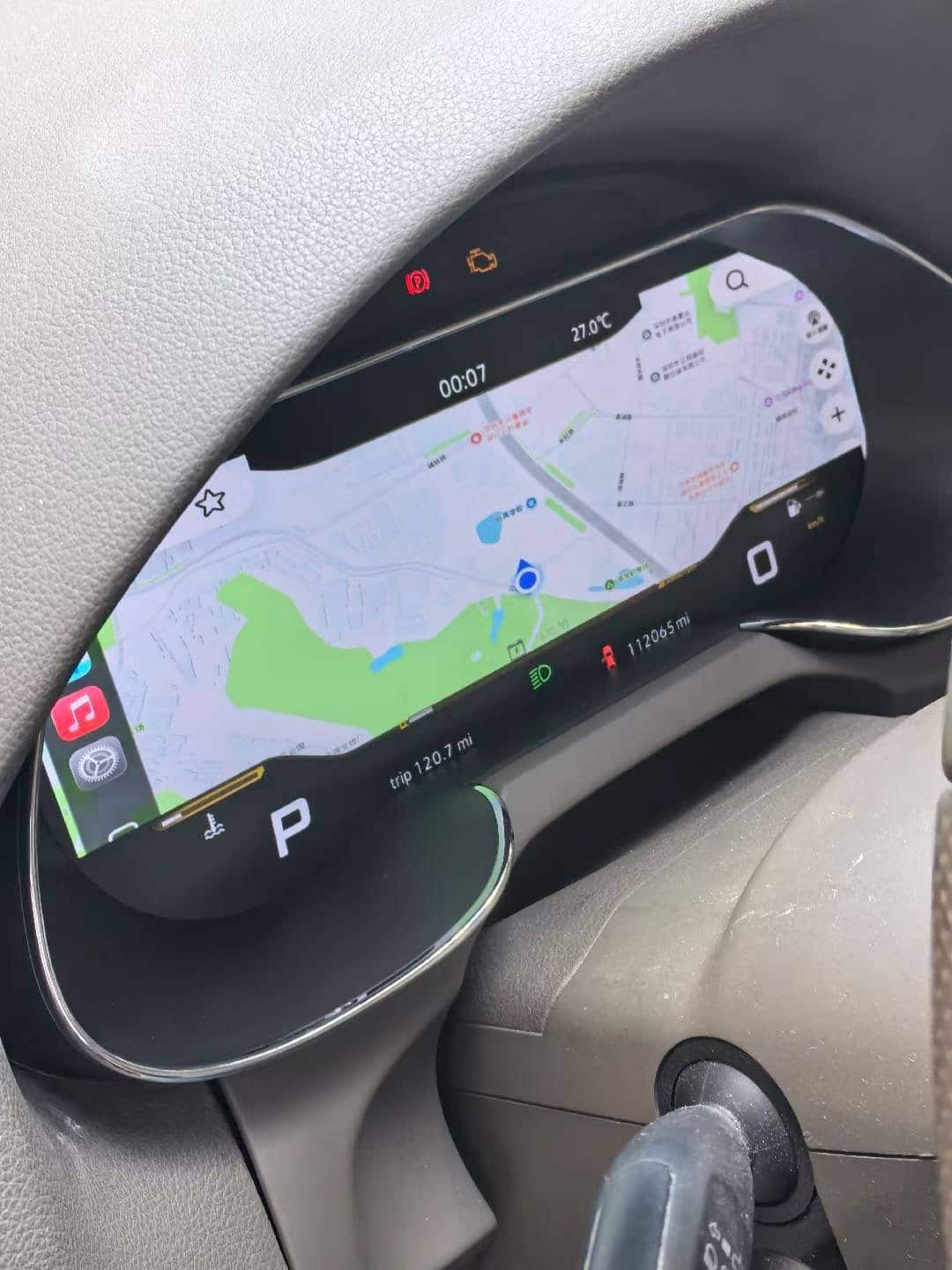
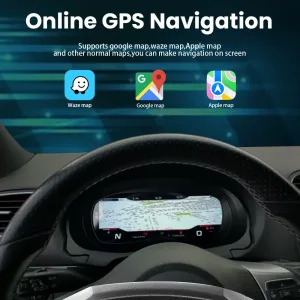
 การนำทาง
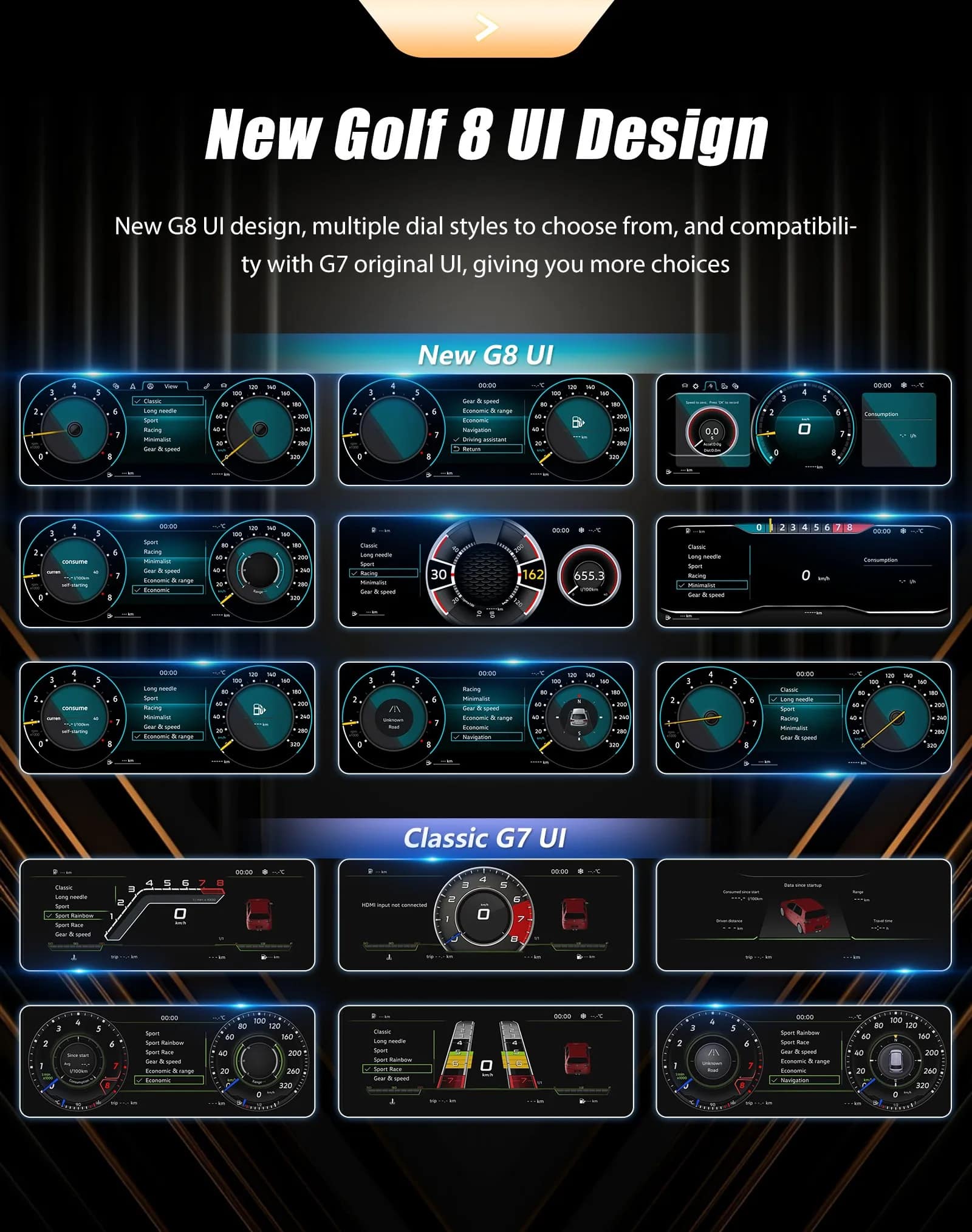
 ข้อมูลรถ
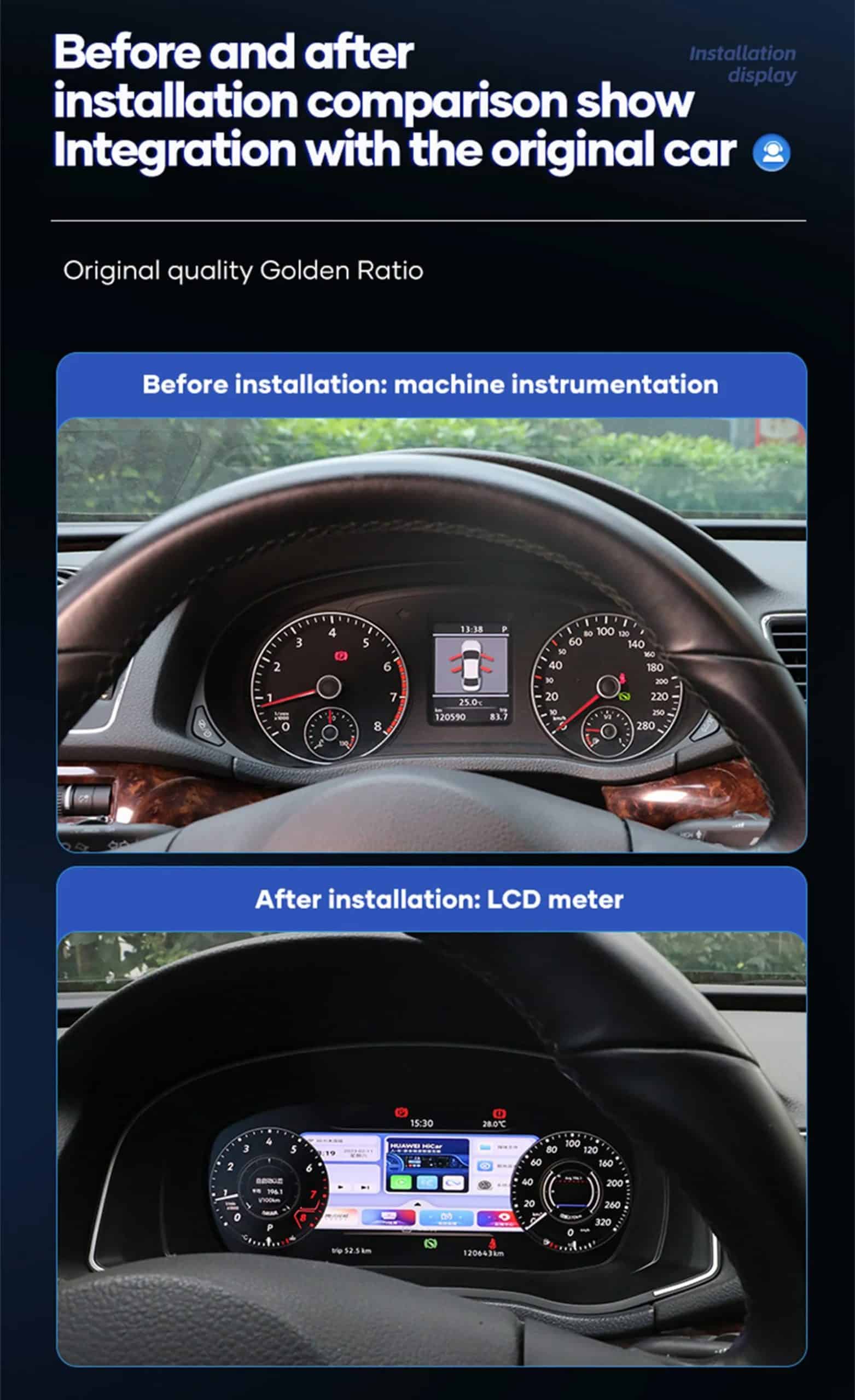
 ความพอดีเฉพาะรุ่นรถ











แบรนดอน โคล –
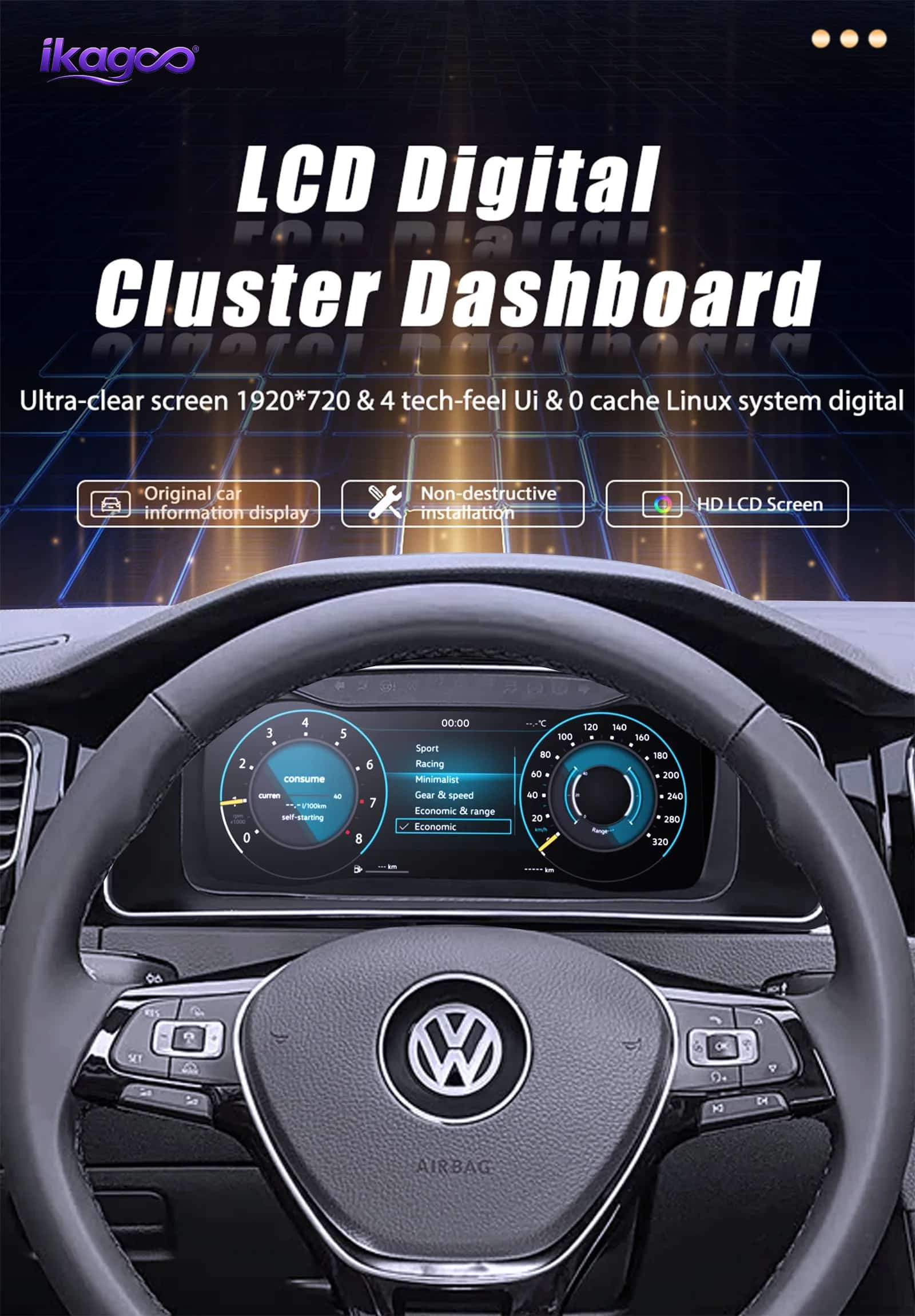
ติดตั้งใน Jetta 2021 แล้ว Android Auto ใช้งานได้ดีมากสำหรับการนำทาง และหน้าจอดูทันสมัยมากขึ้น.
ฌูเลียง โมโร –
หน้าจอดูดีมากและข้อมูลรถอ่านง่าย.